Admissions and enrolment
Enquiry to enrolment with online applications, merit and entrance handling, document verification, seat allotment, and a funnel report that shows where applicants are dropping out.
Industry Suites · Available
Admission to alumni on one platform, with teaching that adapts to the learner

An institution runs two systems that never meet: the administrative one that holds admissions, fees, and attendance, and the academic one where teaching actually happens. BluLearn is both. Admission, fee, timetable, attendance, examination, and transcript sit alongside courses, content, assessment, and outcomes, so a student at risk is visible from their academic record and their fee record at the same time, and the intervention happens in the same term.
Enquiry to enrolment with online applications, merit and entrance handling, document verification, seat allotment, and a funnel report that shows where applicants are dropping out.
Fee structures per programme and category, instalments, concessions and scholarships, online collection, receipts, refunds, dues follow-up, and reconciliation with the accounting ledger.
Programmes, courses, credit structures, sections, faculty allocation, a timetable engine that respects room and faculty constraints, and substitution handling when someone is away.
Biometric, RFID, or app-based attendance per session, shortage alerts to student and parent, leave workflow, and a discipline record with a documented process.
Course pages, lesson plans, uploaded and authored content, SCORM and LTI compatibility, assignments with plagiarism checks, discussion, and live class integration.
Exam scheduling, seating and invigilation, question banks, online and offline assessment, moderation, grade computation, transcripts, and re-evaluation workflow.
Room allotment and mess, route and stop management with vehicle tracking, and a library catalogue with circulation, reservations, and fines.
Programme and course outcome mapping, attainment calculation, accreditation reporting, placement records, and an alumni register that stays useful after graduation.
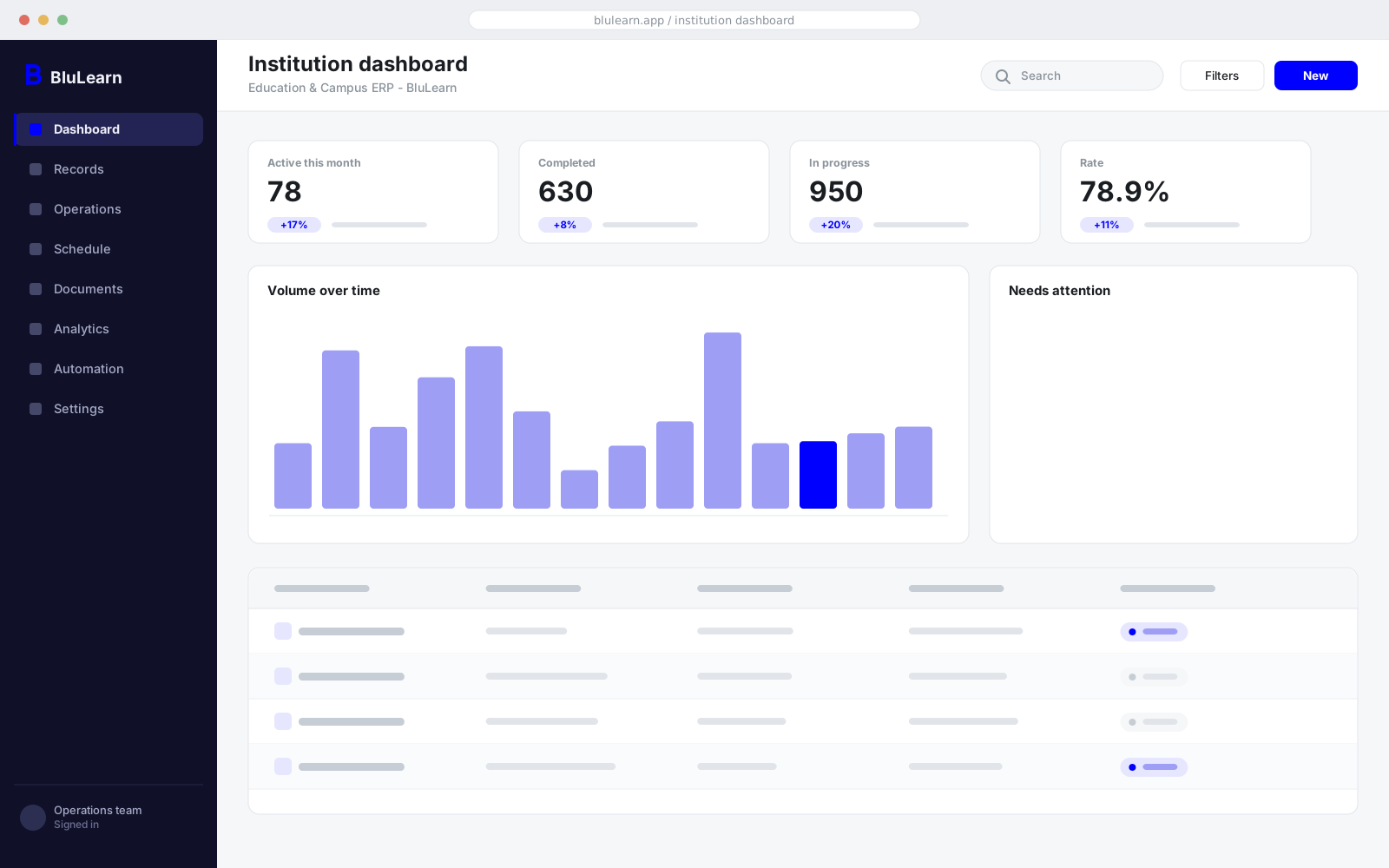
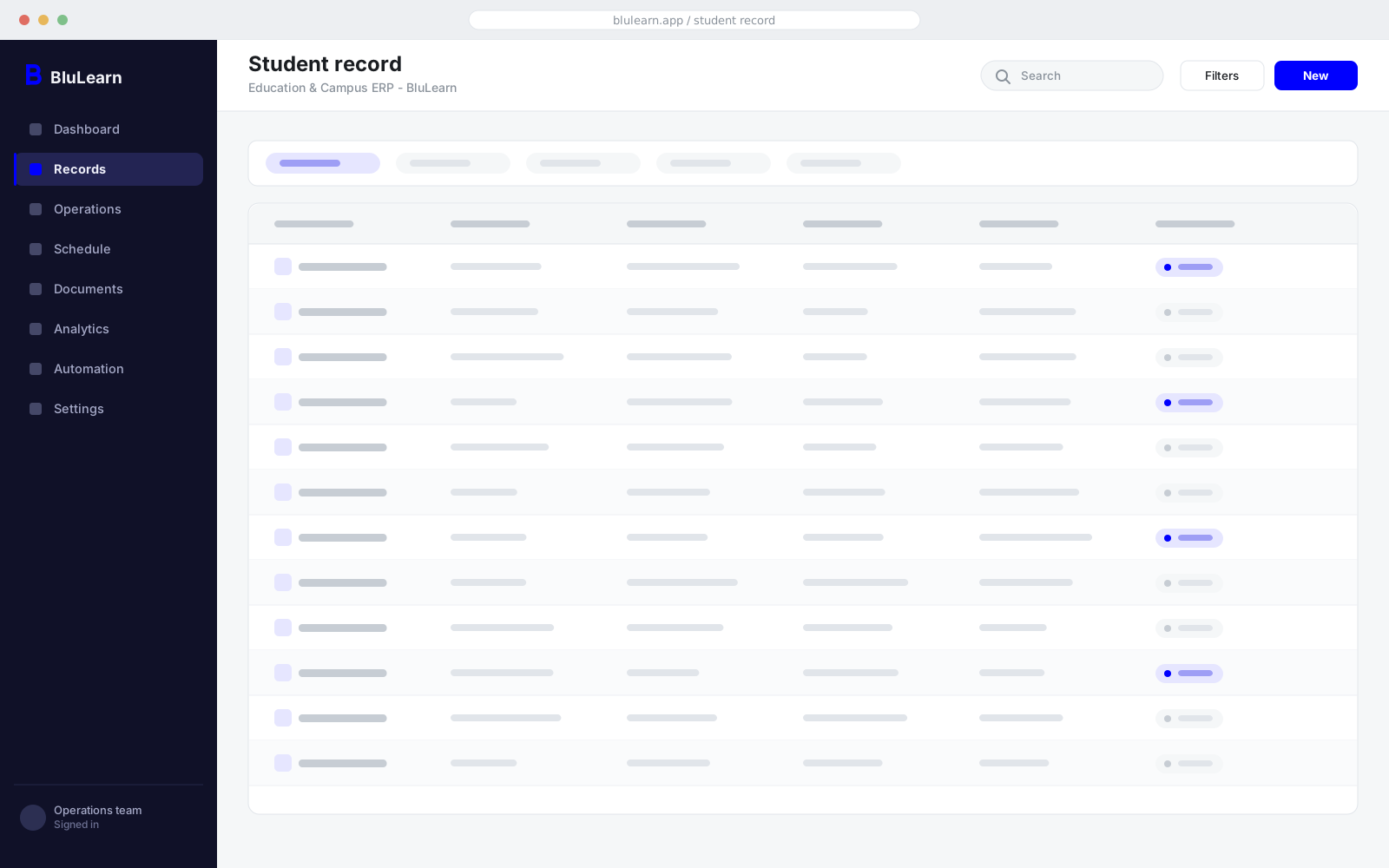
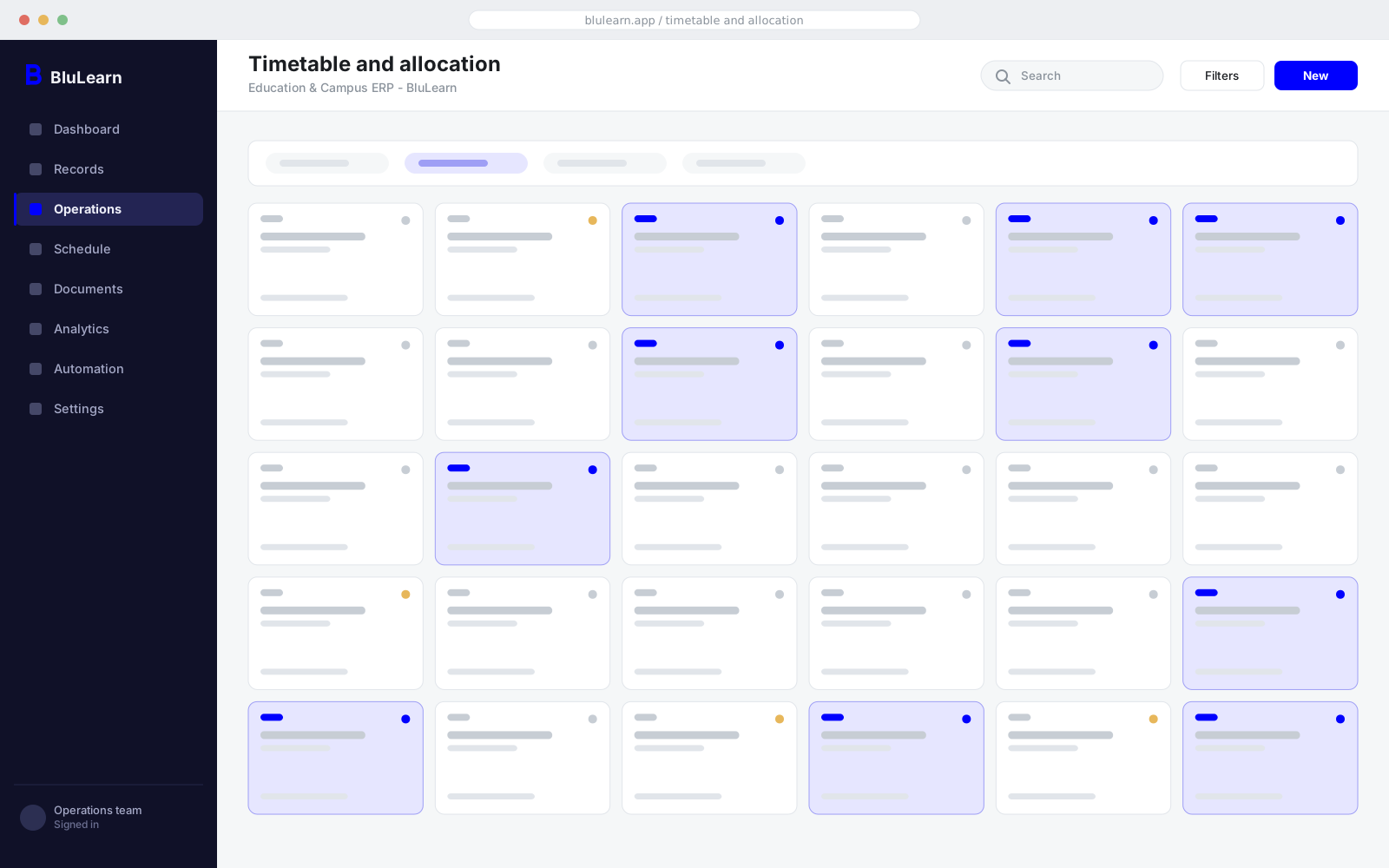
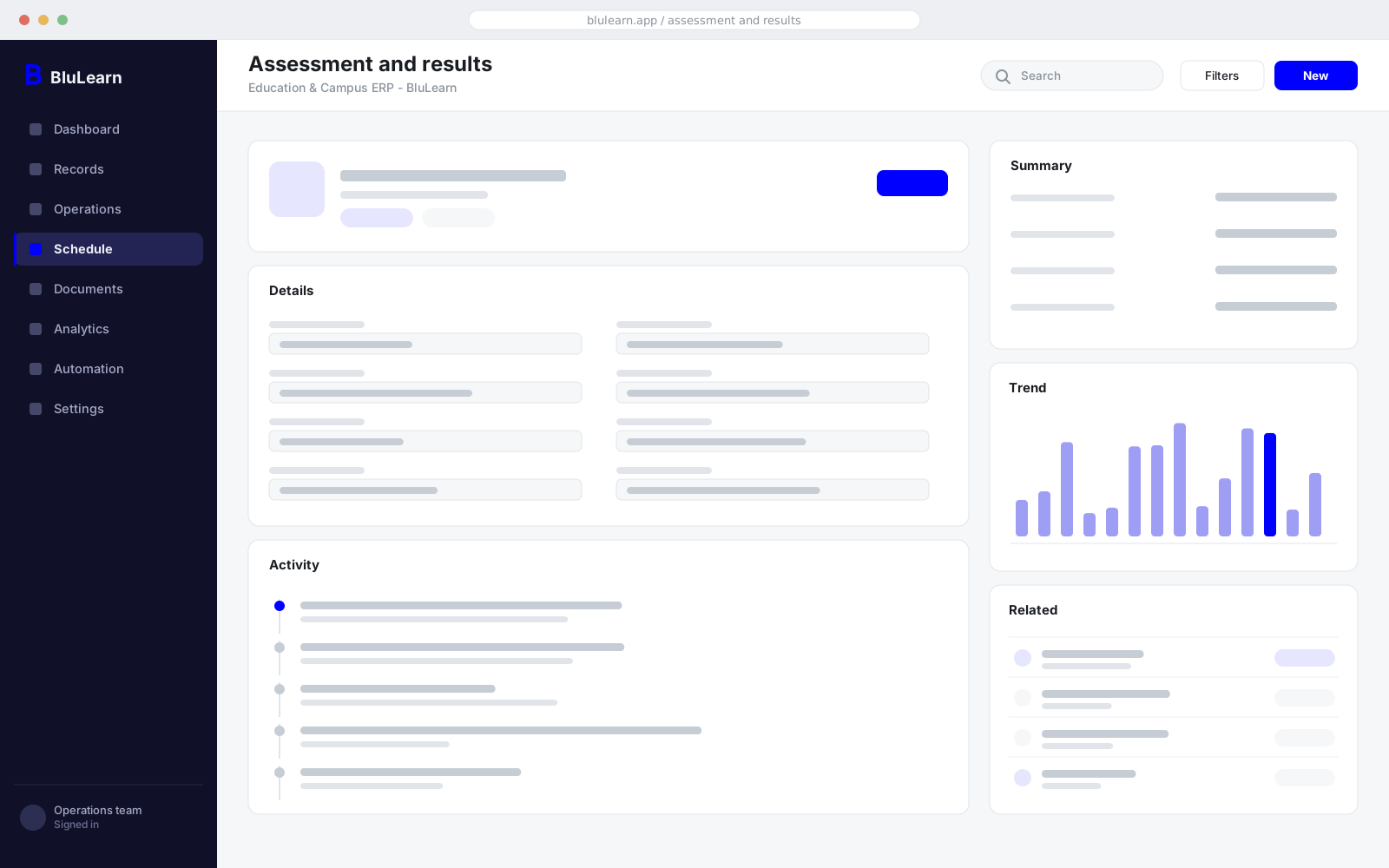
Interface previews are representative layouts. Every deployment is configured to your own modules, terminology, and branding.
Attendance, assessment trend, submission behaviour, and fee status combine into an early signal on which students need intervention, while there is still a term left to act in.
Practice sets are generated against the concepts a student is actually weak on, drawn from the institution's own question bank and mapped to the syllabus.
Descriptive answers are pre-scored against a rubric with the reasoning shown, and every score is presented to the examiner for correction before it counts.
A solver builds a timetable against faculty load, room and lab capacity, and student elective combinations, and shows what each constraint is costing.
BluLearn is built to sit inside the estate you already run. These connectors ship with the product; anything else is an integration engagement rather than a limitation.
Both, deliberately. The administrative record and the academic record are the same record, which is what makes early intervention possible: a student can be flagged from attendance, assessment, and fee status together rather than from any one of them.
Yes. Programme structures, grading schemes, and assessment rules are configured per curriculum, and a group can run schools, a college, and a training arm on one deployment with separate books.
Yes. BluLearn integrates with Google Classroom, Microsoft Teams for Education, Zoom, and Moodle, and supports SCORM and LTI content, so existing course material moves across without being rebuilt.
As a first pass only. Descriptive answers are pre-scored against a rubric with the reasoning shown, and an examiner reviews and corrects before any score is recorded. The audit trail keeps both the suggestion and the final mark.
Yes, through a dedicated app with attendance, assessment, fee, transport, and communication, scoped so a parent sees their own child and nothing else.
How it works
The path a record takes through the product, and what the system does at each step without being asked.
Applications, verification, merit, and seat allotment run as one funnel, with the drop-out point visible while the cycle is still open.
A solver builds the timetable against faculty, room, lab, and elective constraints, and keeps it valid when someone is away.
Course pages, content, assignments, and live classes sit against the same course record the timetable and attendance use.
Question banks, online and offline exams, moderation, and grade computation produce a transcript rather than a spreadsheet.
Outcome attainment, accreditation reporting, placement, and the alumni register all read from the record the student already generated.
Send us how you run this today, including the spreadsheets. We will show you BluLearn against your own process and tell you plainly what it would and would not change.