Recruitment and hiring
Requisitions with approval chains, a careers portal, structured interview kits, scorecards, offer generation, and a pipeline that shows where every candidate is stuck and for how long.
Workforce & Intelligence · Available
The internal operating system for a company with no single office

Hiring remotely is easy. Running a remote company is not. Contracts differ by country, onboarding falls through the gaps, work happens in a dozen tools nobody aggregates, and payout day is a spreadsheet and a prayer. BluForce is the internal management system for organisations whose people are distributed by design: one place for the org, the contract, the work, the time, the review, and the money, with the compliance detail handled per jurisdiction rather than per employee.
Requisitions with approval chains, a careers portal, structured interview kits, scorecards, offer generation, and a pipeline that shows where every candidate is stuck and for how long.
Country-specific document collection, contract issue and e-signature, equipment dispatch, account provisioning through SCIM, a first-week plan, and an offboarding checklist that actually revokes access.
Employee and contractor records side by side, reporting lines, teams, skills, documents with expiry alerts, and a directory that shows who is awake right now in which time zone.
Time-zone aware working hours, leave policies per country, holiday calendars that differ by region, overlap windows for meetings, and capacity that is calculated rather than assumed.
Projects, tasks, timesheets, and billable against non-billable time, with activity pulled from the tools your team already uses rather than typed in twice.
Goals and check-ins, 360 review cycles, competency frameworks, one-to-one agendas, and a written record of feedback that survives a manager changing.
Salaried staff, hourly contractors, and fixed-fee vendors in one run, multi-currency with the rate captured at approval, contractor self-billing, and payout through the rails that work in each country.
Contract templates per jurisdiction, classification checks, policy acknowledgements, security training records, and an audit trail for every approval and access grant.
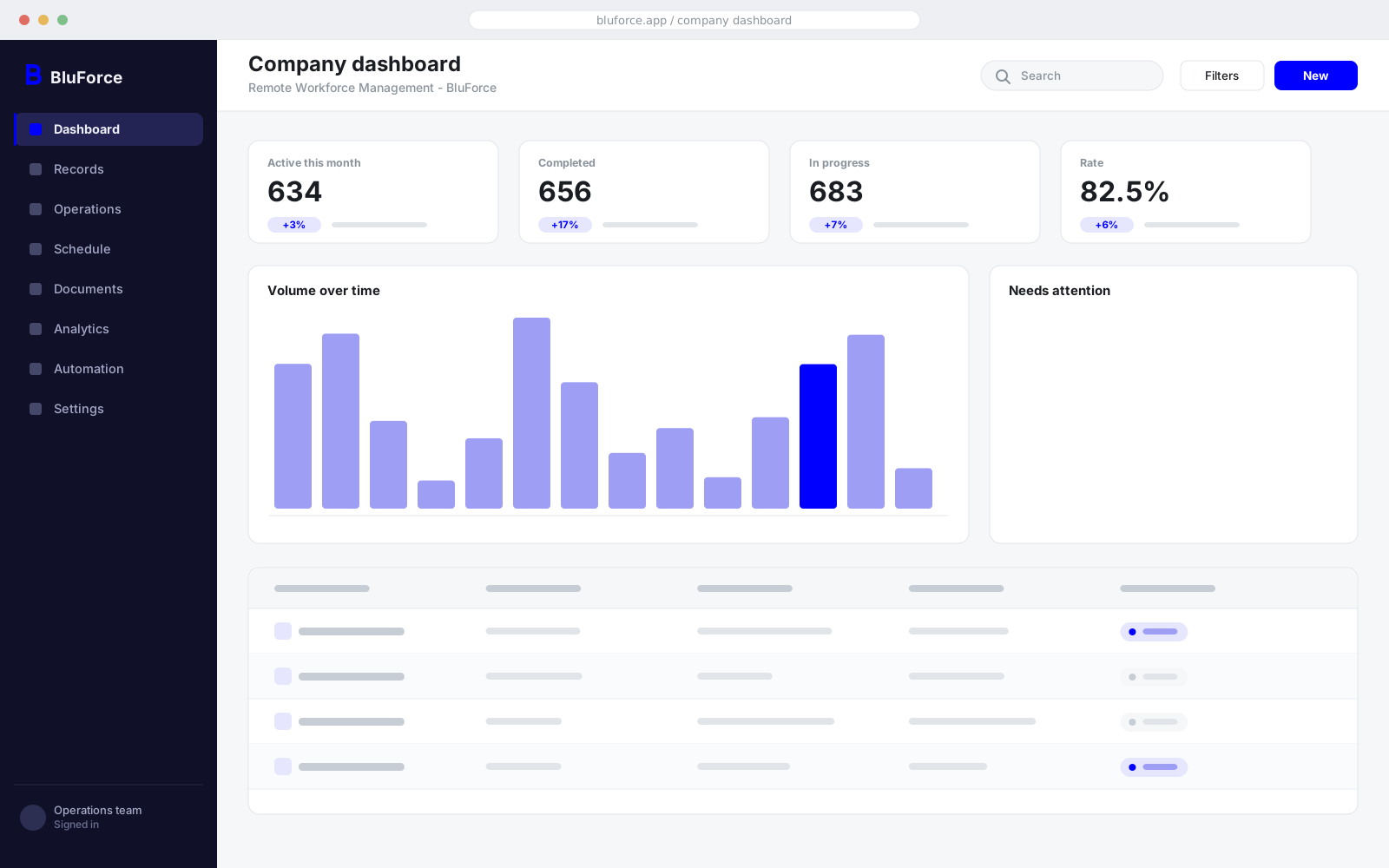
Interface previews are representative layouts. Every deployment is configured to your own modules, terminology, and branding.
Applications are read against the requisition and ranked with the reasoning shown, never scored on protected characteristics, so the recruiter can see why a candidate ranked where they did.
Hours, meeting load, out-of-hours activity, and leave taken combine into an early signal on which teams are heading for attrition, reported at team level rather than as surveillance of an individual.
Written updates and call transcripts become a team digest with decisions, owners, and blockers extracted, so a colleague eight hours behind is not left reading a scrollback.
An internal assistant answers a question like "how much leave do I have in Poland" from the policy that actually applies to that person, and cites the clause it read.
BluForce is built to sit inside the estate you already run. These connectors ship with the product; anything else is an integration engagement rather than a limitation.
No. It is the internal system you run your distributed company on. It generates the right contracts, tracks the right compliance, and handles the payout run, but the employment relationship stays with you or with the employer of record you already use, which BluForce sits alongside.
Yes, and that is the point. Both appear in the same org chart, the same capacity plan, and the same payout run, with different contract templates, tax treatment, and classification checks applied automatically.
Every person has a working-hours profile in their own zone. Capacity, overlap windows, leave, and holiday calendars are computed per person and rolled up per team, so a project plan reflects the hours the team actually shares.
Yes. BluForce integrates with what you have and can act as the front end for hiring, onboarding, time, and performance while payroll stays where it is. Most teams eventually consolidate, but nothing forces it.
BluForce can be deployed in a specific region or in your own cloud account, with personal data held in the jurisdiction you choose and access logged in full.
How it works
The path a record takes through the product, and what the system does at each step without being asked.
A requisition with an approval chain becomes a pipeline, a structured interview kit, and an offer, with every candidate's waiting time visible.
The right contract for the right jurisdiction, documents collected, equipment dispatched, accounts provisioned, and a first week that is planned rather than improvised.
Projects, tasks, and time flow in from the tools the team already uses, and capacity is calculated from real working hours across real time zones.
Goals, check-ins, and review cycles build a written record of performance that does not disappear when a manager moves on.
One run covers salaried staff, hourly contractors, and fixed-fee vendors, in the currency and through the rail that each one needs.
Send us how you run this today, including the spreadsheets. We will show you BluForce against your own process and tell you plainly what it would and would not change.